
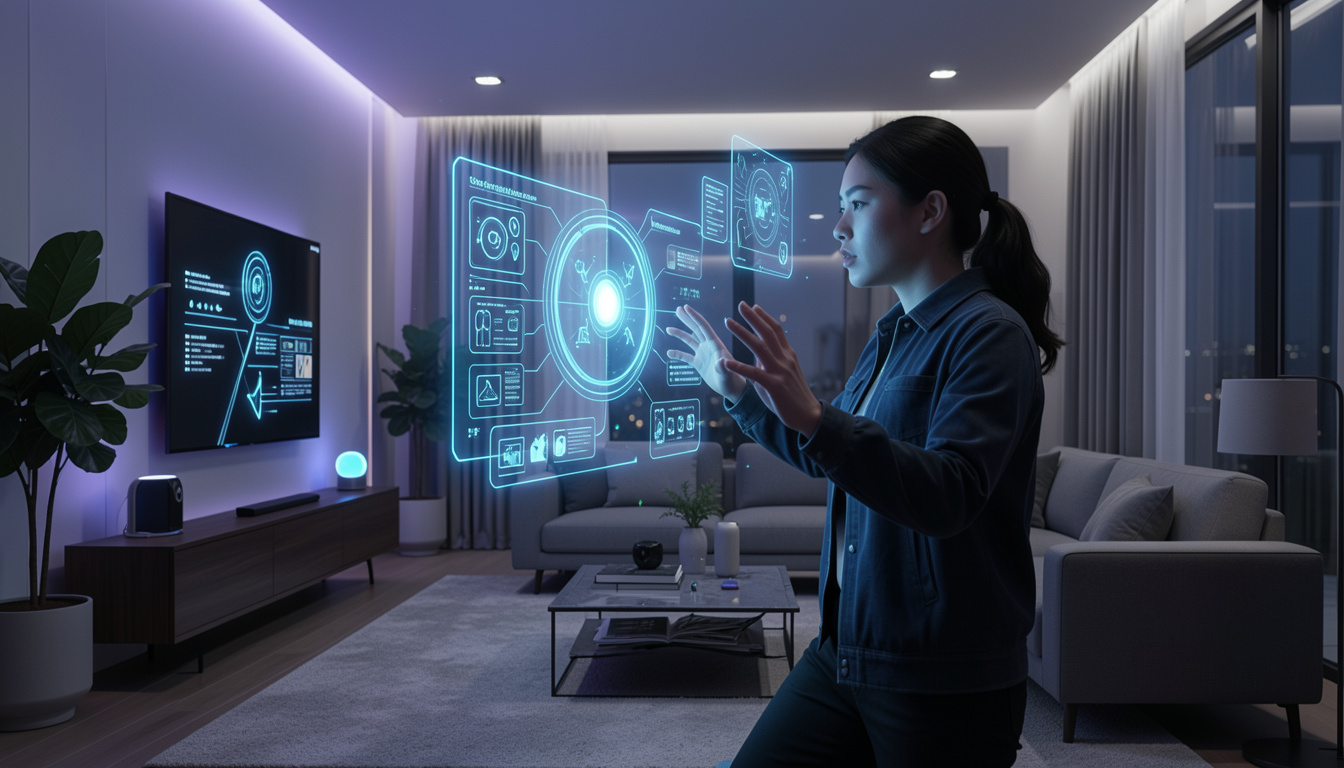
Technology is evolving rapidly, and the way we interact with digital systems is transforming just as quickly. From keyboards and touchscreens to voice assistants, each shift has made human-computer interaction more intuitive. Now, a new frontier is taking center stage—Gesture-Based Interfaces.
These interfaces allow users to control devices using physical movements, eliminating the need for traditional input methods. Whether it’s waving a hand to navigate a screen or using body motion to control a game, Gesture-Based Interfaces are reshaping how we engage with technology.
What Are Gesture-Based Interfaces?
Gesture-Based Interfaces refer to systems that interpret human gestures—such as hand movements, facial expressions, or body motions—as commands. These gestures are captured through sensors, cameras, or wearable devices and then translated into actions by software.
Unlike traditional input methods, Gesture-Based Interfaces create a more natural and immersive experience. Instead of typing or clicking, users interact with technology in a way that mimics real-world behavior.
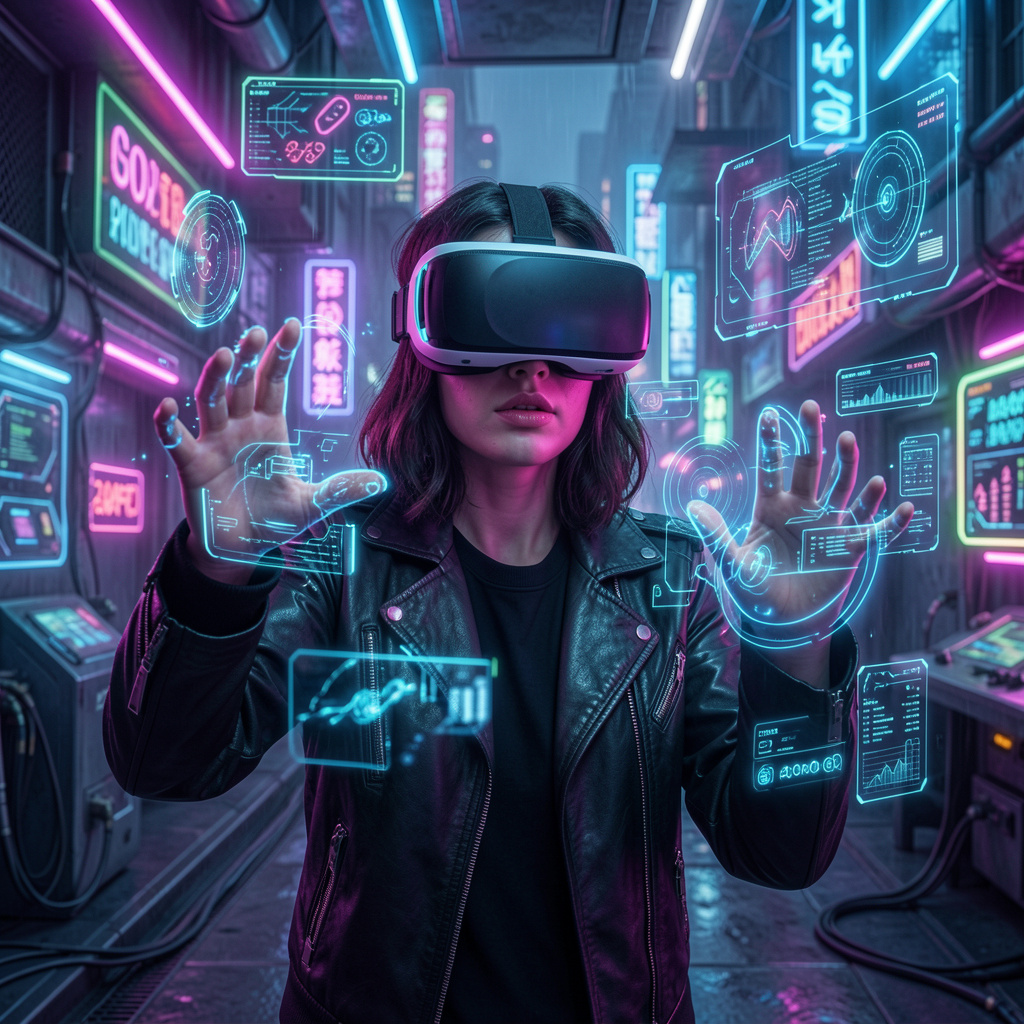
For example, consider a smart TV that allows you to change channels with a swipe of your hand. Or a virtual reality system where you grab and move objects using your hands. These are practical implementations of Gesture-Based Interfaces in everyday life.
How Gesture-Based Interfaces Work
The functionality behind Gesture-Based Interfaces combines hardware and software technologies. The system typically follows a three-step process:

- Detection: Sensors or cameras capture user movements.
- Interpretation: Software algorithms analyze the gesture and identify its meaning.
- Execution: The system performs the corresponding action.
Advanced systems use technologies such as:
- Computer vision to track motion.
- Machine learning to recognize patterns.
- Depth sensors to detect spatial positioning.
For instance, Microsoft Kinect used depth-sensing cameras to track full-body movement, allowing users to interact with games without a controller. Similarly, smartphones now use motion sensors and cameras to enable gesture controls.
Types of Gestures Used
Motion-Based User Interfaces can recognize various types of gestures depending on the application:
- Static gestures: Fixed poses like a thumbs-up or open palm.
- Dynamic gestures: Movements such as waving or swiping.
- Touchless gestures: Interactions without physical contact.
- Facial gestures: Expressions like blinking or smiling.
- Body gestures: Full-body movements used in gaming or fitness apps.
Each type serves a different purpose, and modern systems often combine multiple gesture types for more accurate interaction.
Applications of Gesture-Based Interfaces
Motion-Based User Interfaces are already being used across multiple industries, offering innovative ways to interact with technology.
Gaming and Entertainment
The gaming industry was one of the earliest adopters. Devices like Nintendo Wii and VR systems allow players to use body movements to control gameplay. This creates a more immersive and physically engaging experience.
Healthcare
In medical environments, Motion-Based User Interfaces allow surgeons to control digital screens without touching them, maintaining sterility. Doctors can view scans, zoom in, or switch images using simple hand movements.
Automotive Industry
Modern cars are integrating Gesture-Based Interfaces to enhance driver safety. Drivers can adjust volume, answer calls, or control navigation systems without taking their hands off the wheel for long.
Smart Homes
Smart home systems are becoming more intuitive with gesture controls. Imagine turning off lights with a wave or adjusting temperature with a simple motion. These features make home automation more seamless and user-friendly.
Retail and Public Spaces
Interactive kiosks and digital signage now use Gesture-Based Interfaces to attract users. Customers can browse products or navigate menus without touching the screen, which is especially useful in hygiene-sensitive environments.
Benefits of Gesture-Based Interfaces
The growing popularity of Gesture-Based Interfaces is driven by several advantages:
- Natural interaction: Mimics real-world movements, reducing the learning curve.
- Touchless control: Ideal for hygiene and accessibility.
- Enhanced user experience: More engaging and immersive.
- Increased efficiency: Faster interaction in certain applications.
- Accessibility: Helps users with physical disabilities interact with devices.
For example, a user with limited mobility can use facial gestures or minimal hand movement to control a computer, making technology more inclusive.
Challenges and Limitations
Despite their potential, Motion-Based User Interfaces face several challenges:
- Accuracy issues: Misinterpretation of gestures can lead to errors.
- Environmental limitations: Lighting and background conditions affect performance.
- User fatigue: Continuous movement can be tiring, often referred to as “gorilla arm syndrome.”
- Learning curve: Some gestures are not intuitive for all users.
- Privacy concerns: Systems using cameras may raise data security issues.
These challenges highlight the need for ongoing improvements in both hardware and software.
The Role of AI in Gesture Recognition
Artificial intelligence plays a crucial role in enhancing Gesture-Based Interfaces. Machine learning models can analyze vast amounts of data to improve gesture recognition accuracy over time.
AI enables systems to:
- Adapt to individual user behavior.
- Recognize complex gestures.
- Reduce false positives and errors.
- Improve performance in different environments.
For instance, AI-powered systems can distinguish between intentional gestures and random movements, making interactions more reliable and efficient.
Gesture-Based Interfaces vs Traditional Interfaces
Comparing Gesture-Based Interfaces with traditional input methods highlights their unique advantages and limitations.
Traditional interfaces like keyboards and touchscreens are precise and reliable but require physical contact. In contrast, gesture-based systems offer a more natural and touchless experience but may lack precision in some cases.
For example, typing a long document is still easier with a keyboard, while navigating a presentation during a meeting might be more convenient using gestures.
The future likely lies in hybrid systems that combine multiple input methods for optimal usability.
Future Trends in Gesture-Based Interfaces
The future of Gesture-Based Interfaces looks promising as technology continues to evolve. Several trends are shaping their development:
- Integration with AR and VR for immersive experiences.
- Use in wearable devices like smart glasses.
- Improved AI algorithms for better accuracy.
- Expansion into industrial and enterprise applications.
- Increased adoption in education and remote collaboration.
Imagine attending a virtual meeting where you interact with 3D objects using your hands, or teaching students through immersive gesture-controlled simulations. These scenarios are becoming increasingly realistic.
Why Gesture-Based Interfaces Matter
Gesture-Based Interfaces represent a shift toward more human-centric technology. They reduce the gap between humans and machines by making interaction more intuitive and less dependent on physical tools.
As technology becomes more embedded in daily life, the demand for seamless interaction will continue to grow. Gesture-Based Interfaces offer a solution that aligns with how humans naturally communicate and interact with the world.
Frequently Asked Questions
What are Gesture-Based Interfaces?
Motion-Based User Interfaces are systems that allow users to interact with devices using physical movements like hand gestures, facial expressions, or body motion instead of traditional input methods like keyboards or touchscreens.
How do Gesture-Based Interfaces work?
They use sensors, cameras, or motion detectors to capture gestures. Software then analyzes these movements and converts them into commands that the system can execute.
Where are Gesture-Based Interfaces commonly used?
They are widely used in gaming, virtual reality, healthcare, automotive systems, smart homes, and interactive kiosks in retail or public spaces.
Are Motion-Based User Interfaces better than touchscreens?
They offer a more natural and touchless experience, which is useful in many situations. However, touchscreens are still more precise for tasks like typing or detailed input.
Do Motion-Based User Interfaces require special hardware?
Yes, most systems rely on devices like depth cameras, motion sensors, or wearable technology to detect and interpret gestures accurately.
Can Gesture-Based Interfaces work in low light conditions?
Some advanced systems can function in low light using infrared or depth sensors, but standard camera-based systems may struggle without proper lighting.
Are Gesture-Based Interfaces secure?
They can be secure, but systems using cameras may raise privacy concerns. Proper data encryption and user consent are important for maintaining security.
What are the main challenges of Gesture-Based Interfaces?
Common challenges include gesture recognition errors, environmental limitations, user fatigue from continuous motion, and privacy concerns.
How does AI improve Gesture-Based Interfaces?
AI helps improve accuracy by learning user behavior, recognizing complex gestures, and reducing errors caused by unintended movements.
What is the future of Gesture-Based Interfaces?
The future includes deeper integration with AR/VR, smarter AI-powered recognition, use in wearable devices, and wider adoption across industries like education and remote work.
Final Thoughts
Gesture-Based Interfaces are not just a futuristic concept—they are already transforming industries and redefining user experiences. While challenges remain, ongoing advancements in AI, sensors, and computing power are rapidly addressing these issues.
From gaming and healthcare to smart homes and automotive systems, the applications are vast and continually expanding. As these technologies mature, Motion-Based User Interfaces will likely become a standard part of our interaction with digital systems.
The journey toward more natural and intuitive technology has only just begun, and Gesture-Based Interfaces are leading the way.